Your vision, made visible.

流浪狗偷走点心,又感激地还了回来。 枯萎的种子长成参天花树。 航天员追踪信号,发现隐秘的太空花园。 内向的小提琴手先是失手,最终赢得全场起立喝彩。 骑士溃逃途中拾得神剑,扭转战局。 纸飞机穿越城市,被一个孩子重新放飞。 厨师做坏了一道菜,却依然赢得客人的心。 走失的萤火虫独自游荡,最终回到发光的同伴之中。 发明家的失败之作,在黎明时终于成功运转。 徒步者迷了路,循着营火找回队伍。

搭载 Seedance 2.5、MiniMax H3 等顶尖模型

Mootion – 主打电影级视觉叙事的 AI 视频生成器

借助 AI,将文案、创意、图片和脚本生成电影级画质视频。Mootion 可帮助创作者、教育从业者、影视制作人、故事创作者制作动作、音效、叙事节奏同步且表现力丰富的影像片段,无需复杂工具。

100,000,000+
已创建视频
5,000,000+
创作者
50+
覆盖国家
17+
视频输出语言
Saadia English teacher
I discovered Mootion pure by chance just browsing online and it immediately stood out! It was exactly what I was looking for to make my lessons more interactive and engaging!
@ryoheiplus Game cinematic artist
mootionがストーリーボードつくれるサービスをだすらしい。とりあえずwaiting listに登録。 mootionはもっと評価されてもいいと思う。。
Gina Indie content creator
Your Platform gave my video a boost! It meant so much to me when I started to see the views go up!
@XVisualneuFX Audio & video editor
With Mootion, I can turn my ideas into a storyboard with great cinematic images as I expected.
@seirdotmk AI content creator
Easy to use, got the video in just a few clicks, able to control the entire flow, regenerate frames.
Atef Atwa Product manager
أصبحت Mootion أداة لا غنى عنها للعديد من المبدعين حول العالم.
فما تقدمه ليس مجرد برنامج، بل وسيلة تمكن المستخدمين من تحويل أفكارهم وأحلامهم إلى واقع ملموس.
Brent AI enthusiast
Really like the additional features/expanded running time. I managed to make a pretty watchable Spy Thriller. The 3D Camera control is great and easy to use. I'll post it now. Really impressive!
立即创建
强大的AI,轻松的创作体验
1

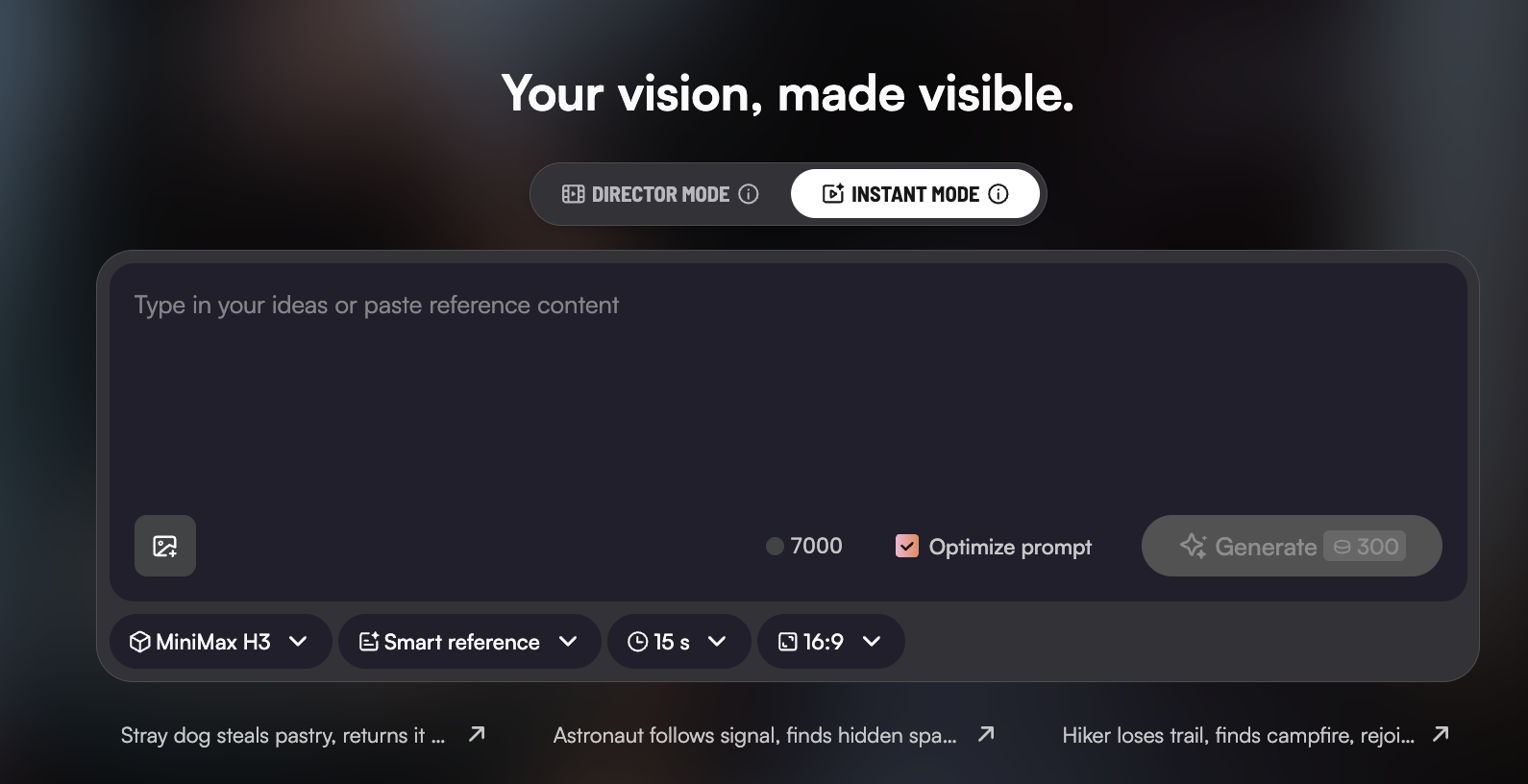
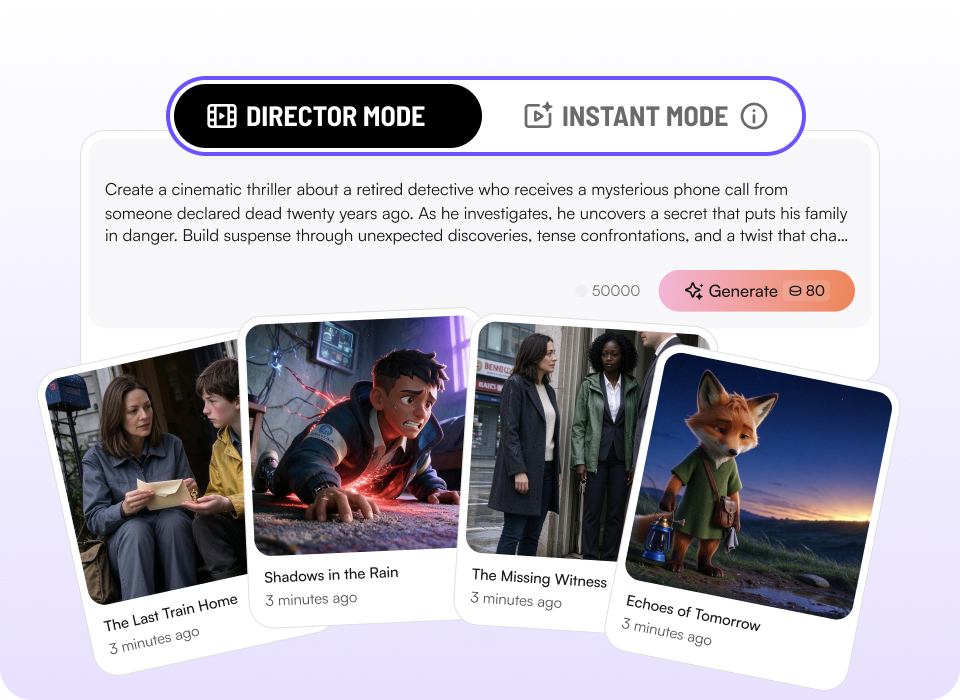
导演模式 & 极速模式

双创作模式
  • 需要速度时够快,想要掌控时够细。在极速模式与导演模式之间无缝切换:极速模式用一个提示词生成完整长度的视频,导演模式精准把控每个镜头。

立即创建
Dual creative modes
2

角色库

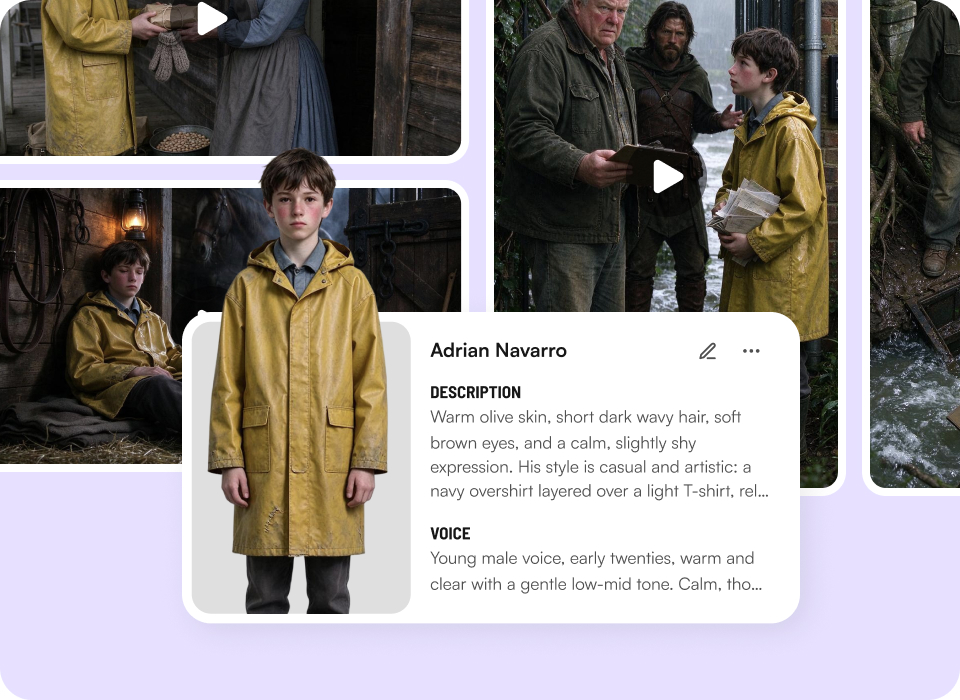
专属于你的一致角色阵容
  • 同一个角色,贯穿每个故事。在角色库中创建、保存并复用一致的角色,跨项目保持角色形象统一。

立即创建
Your personal cast of consistent characters
3

创意生成视频

所想皆可创作
  • 无论是提示词、脚本、音视频、文件还是链接 —— 任何形式的创意都能交给 Mootion,一键生成完整视频。

立即创建
Create from anything
4

AI 创作工具

面向真实场景的智能模板
  • 数百款模板响应你的需求 —— 覆盖营销、社交、教育等多元场景。快速启动,高效成片。

立即创建
Smart templates for real use cases
5
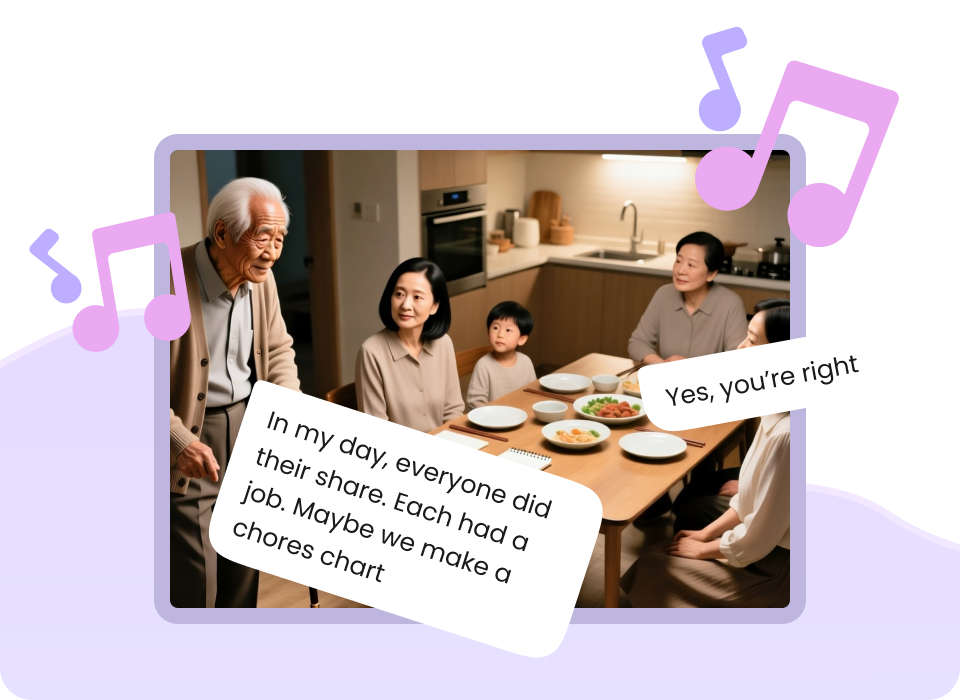
声情并茂的演绎呈现
  • 人声、音乐与音效节奏协同,营造情感共鸣与传播力 —— 你的视频不止画面精美,更能触动人心。

Performances you can hear and feel
立即创建

常见问题

What is Instant Mode?

Instant Mode is Mootion AI’s high-speed generation entry point built for rapid short-form video creation. It turns single text prompts directly into final video outputs in seconds without requiring multi-shot storyboarding.

What is the difference between Instant Mode and Director Mode?

Instant Mode and Director Mode
  • Instant Mode: Straight from prompt to video, fastest way to finished work. Engineered for speed and single-shot execution. Perfect for fast iterations, TikToks, YouTube Shorts, and Instagram Reels.
  • Director Mode: Storyboard first, then render. Full control over every shot. Engineered for granular multi-shot storytelling. It breaks your project down into multiple scene storyboards for complex visual narrative control.

What is Smart Reference and how does it work?

Smart Reference gives you precise control over your output by going beyond text prompts. You can upload multiple images, videos, or audio files as references to lock in exact lighting, motion dynamics, character appearance, or artistic style.

Is Instant Mode optimized for short-form video platforms?

Yes. Instant Mode is designed specifically to streamline short-form content pipelines. You can select aspect ratios like 16:9, vertical 9:16, or more ratios (1:1, 21:9, 4:3, 3:4), apply Smart References, and render platform-ready video clips instantly for social media distribution.

What is the Character Library feature?

The Character Library lets you reuse characters you’ve previously saved across different projects. Instead of recreating a character from scratch, you can select a saved character when creating a new story in Director Mode.

How do I add a saved character to a new story?

In Director Mode, start typing the prompt, and open the Character List. Manually select the saved character or add the character you want to use, then click 'add to story'.

Can I use multiple saved characters in the same story?

Yes! You can select multiple saved characters from your Character Library and use them together in a single story. The Standard plan can save up to 8 characters in your Character Library. Plus, Pro, Max, and Ultra plan users can reuse more characters for greater creative flexibility.

探索更多